UI/UX Case Study · Self-Initiated Project · Food Delivery App
Yumzy
Cravings, DELIVERED fast
- Project
- Yumzy — Self-Initiated Mobile Food Ordering App
- Platform
- iOS (Mobile)
- My Role
- UI/UX Designer — Self-Initiated Project (Wireframing, Visual Design, Prototyping)
- Prototyping Tools
- Figma
- Deliverables
- Low-fidelity wireframes, high-fidelity UI screens, design system
- Timeline
- 2026
Project Overview
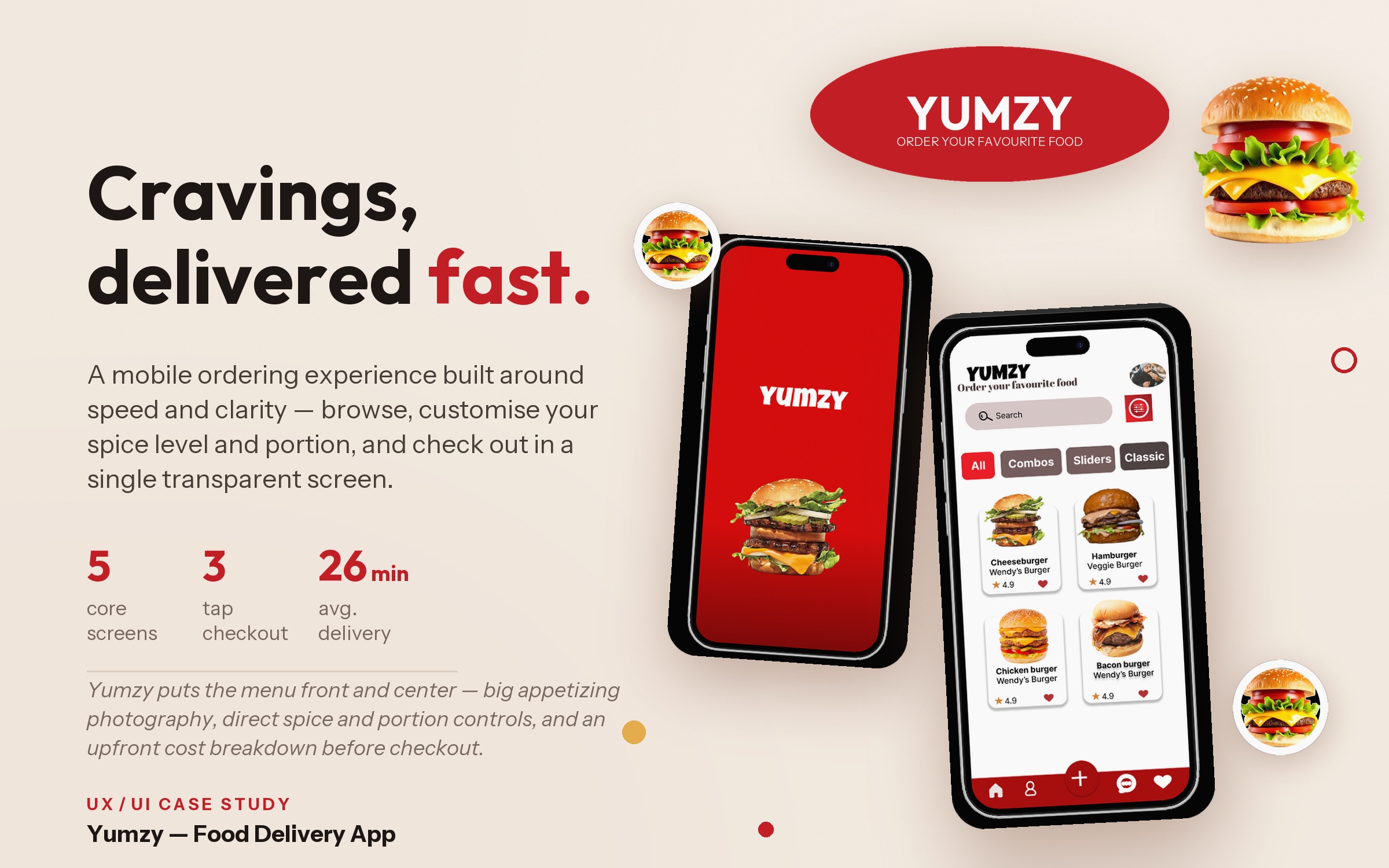
Yumzy is a food delivery app that helps users browse nearby restaurants and order seamlessly. It lets users customize dishes to exactly what they want and pay in a few taps. The concept centers mainly on fast food ordering, with large appetizing photography, transparent pricing, and a checkout flow that shows the full cost breakdown up front.
Problem Statement
On most food delivery apps, options like how spicy a burger should be or how many portions you get are not clearly stated until the final checkout. This frustrates users who know what they want and just want to order quickly. Someone who is hungry shouldn't have to waste so much time ordering a meal — otherwise, they become discouraged from using the app.
Design Challenge
“How can we design a food ordering experience that is as easy as walking into a restaurant to order a meal, while still letting users customize a dish to their preference and stay in control of the cost?”
Project Goals
Simplify experience: Reduce the number of steps between opening the app and placing an order.
Visual hero: Make food the visual hero of every screen through large, high-quality imagery.
Direct controls: Give users simple, direct controls for spice level and portion sizes.
Cost transparency: Show a transparent order summary — item cost, tax, and delivery fee — before payment is made.
Frictionless payment: Keep the payment flow to a single screen with saved cards for one-tap checkout.
The Design Process
A structured 5-stage human-centered design framework was applied to uncover genuine user motivations, simplify product navigation, and deliver a frictionless mobile experience:
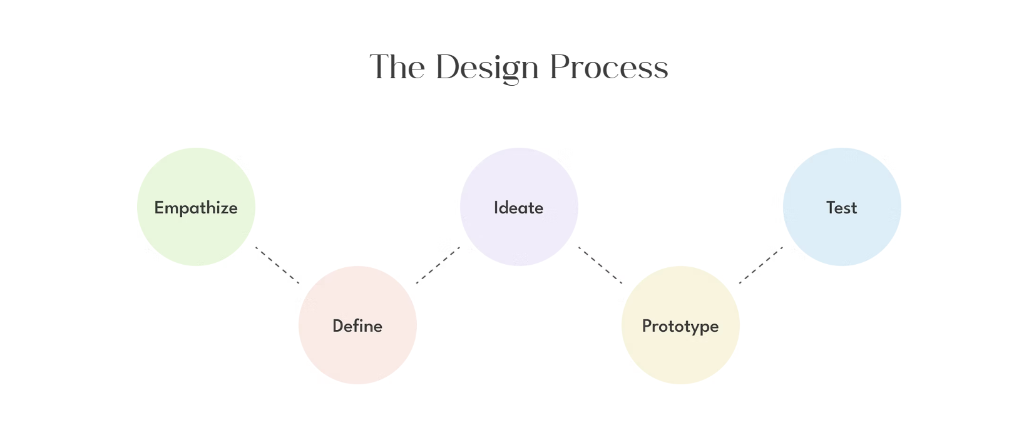
Empathize
Conducted user interviews to understand meal habits and takeout frustrations.
Define
Framed core problem statements and mapped user persona priorities.
Ideate
Brainstormed rapid filtering, spice customization, and fee transparency.
Prototype
Created iterative low-fi sketches, mid-fi mockups, and interactive Figma flows.
Test
Validated thumb ergonomics, checkout speed, and visual appeal with users.
-03 USER PERSONA
User Persona — Temi Adebisi

Temi Adebisi
Software Developer · 29 years
Lifestyle
Works long hours, often into the night, with tight deadlines; as a result, she often eats at her desk or orders takeout.
Goals
Save time ordering and eat better.
Painpoints
No time to cook, skips meals. Wants healthy food without too much hassle when ordering.
“I actually enjoy cooking, but my tight schedule doesn't give me time for it.”
User Flow
The app core user flow was structured intentionally from onboarding to completion:
Splash screen
Gives a brand moment while the app loads
Browse menu
Search and filter by category (All, Combos, Sliders, Classic)
Product detail
View dish description, adjust spice level and portion, and add to order
Order Summary
Shows cost breakdown and expected delivery time
Payment
Select a saved card and make payment
Wireframes & Structural Architecture
Before applying visual styling, screens were explored and validated in low-fidelity and mid-fidelity wireframes to establish clear visual hierarchy, tap accessibility, and effortless user progression.
Low Fidelity Wireframes
Rapid wireframe sketches establishing information hierarchy, layout proportions, and key interactive blocks. Click any screen to view full screen.
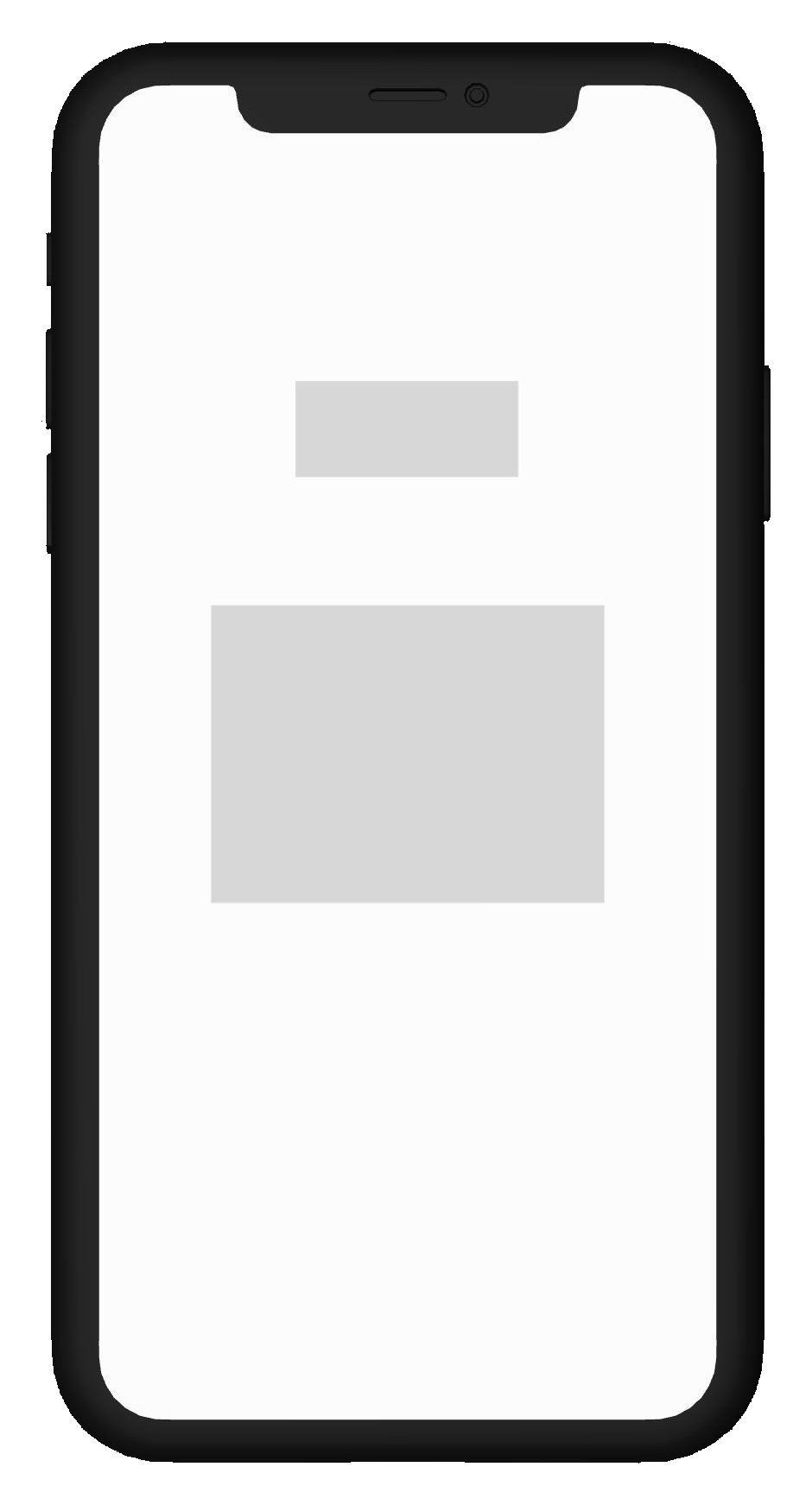
Splash
Brand placeholder & loading
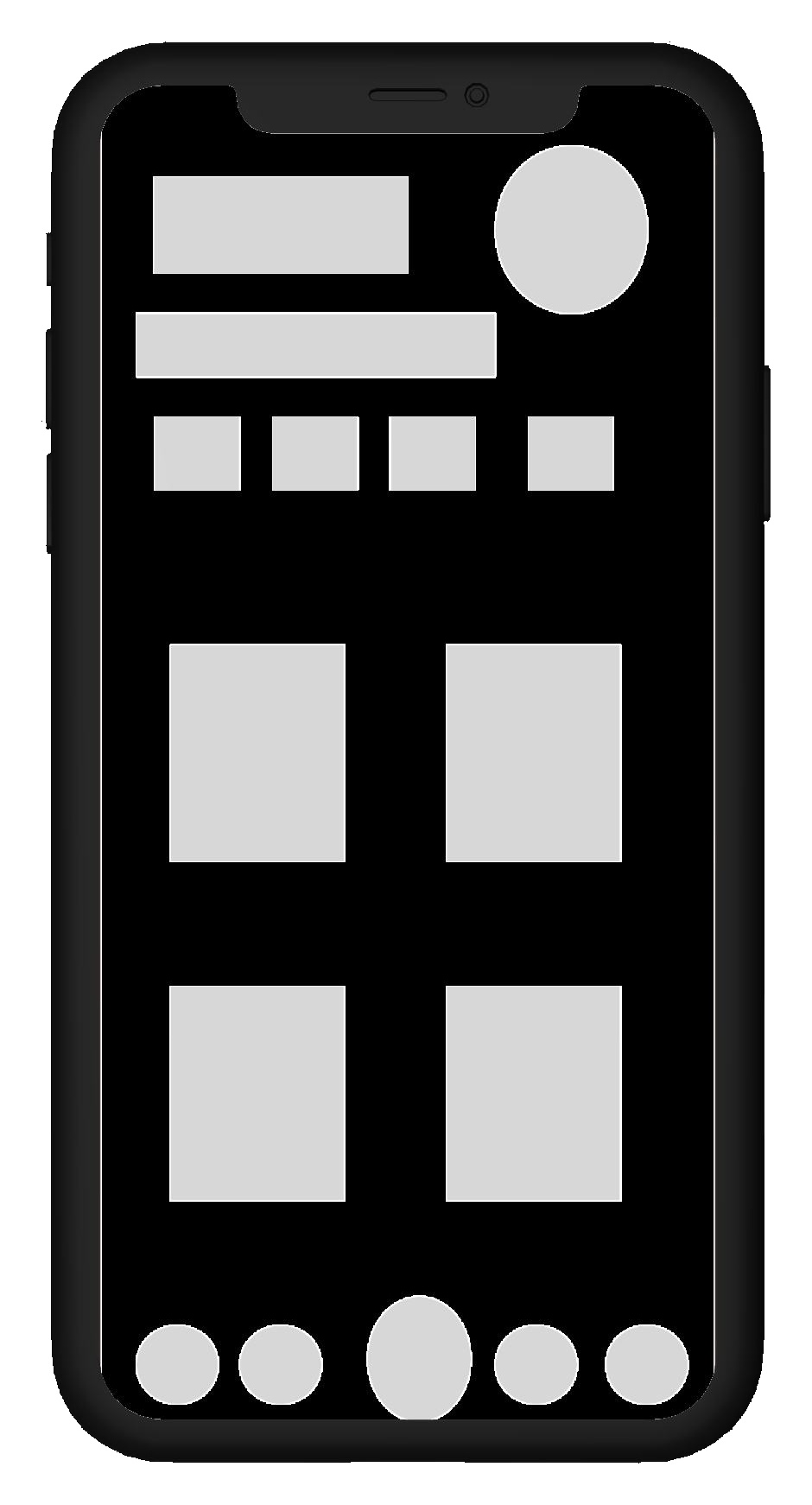
Home/Browse
Category pills & 2-col card grid
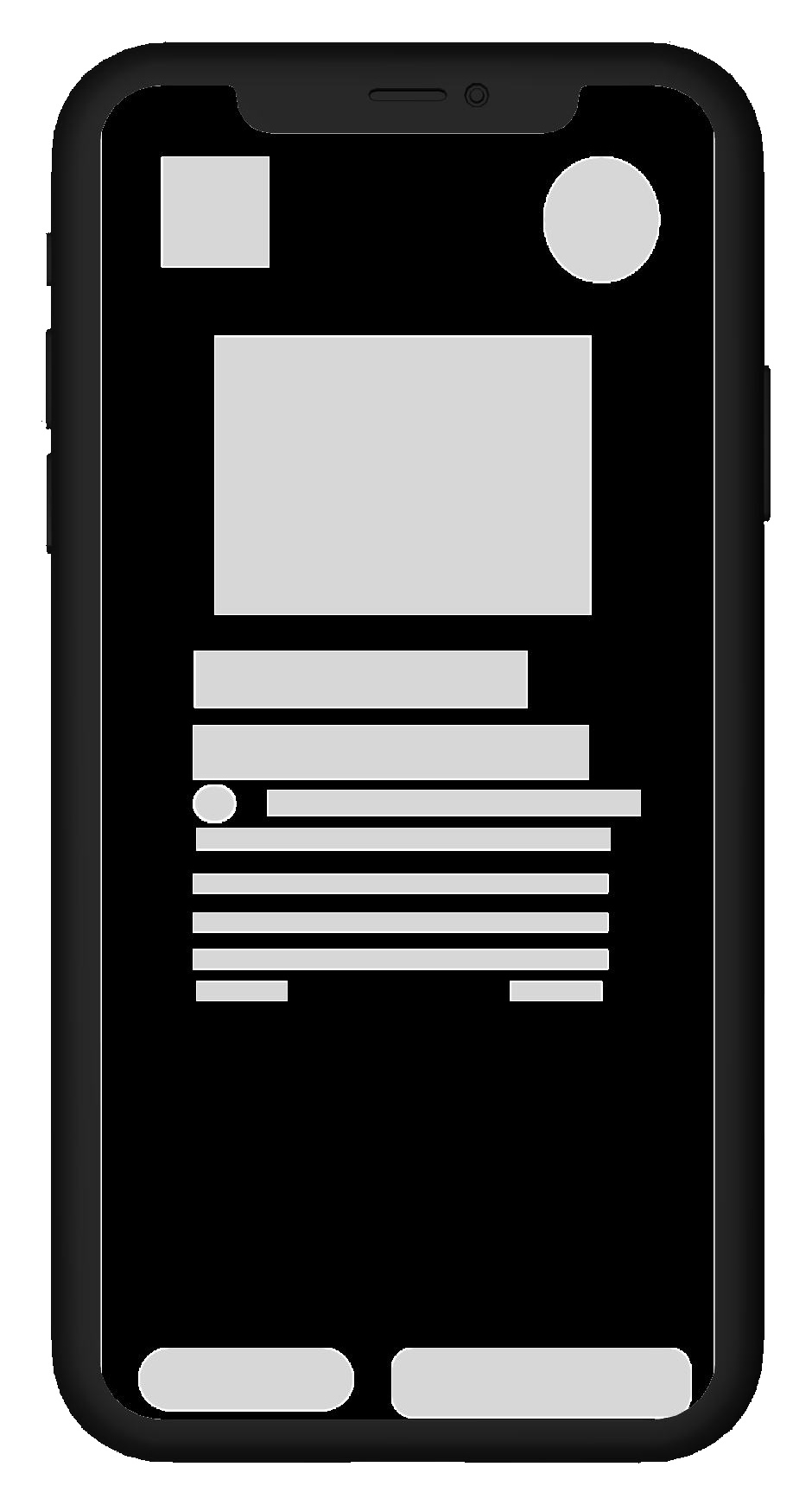
Product Detail - A
Hero image & description block
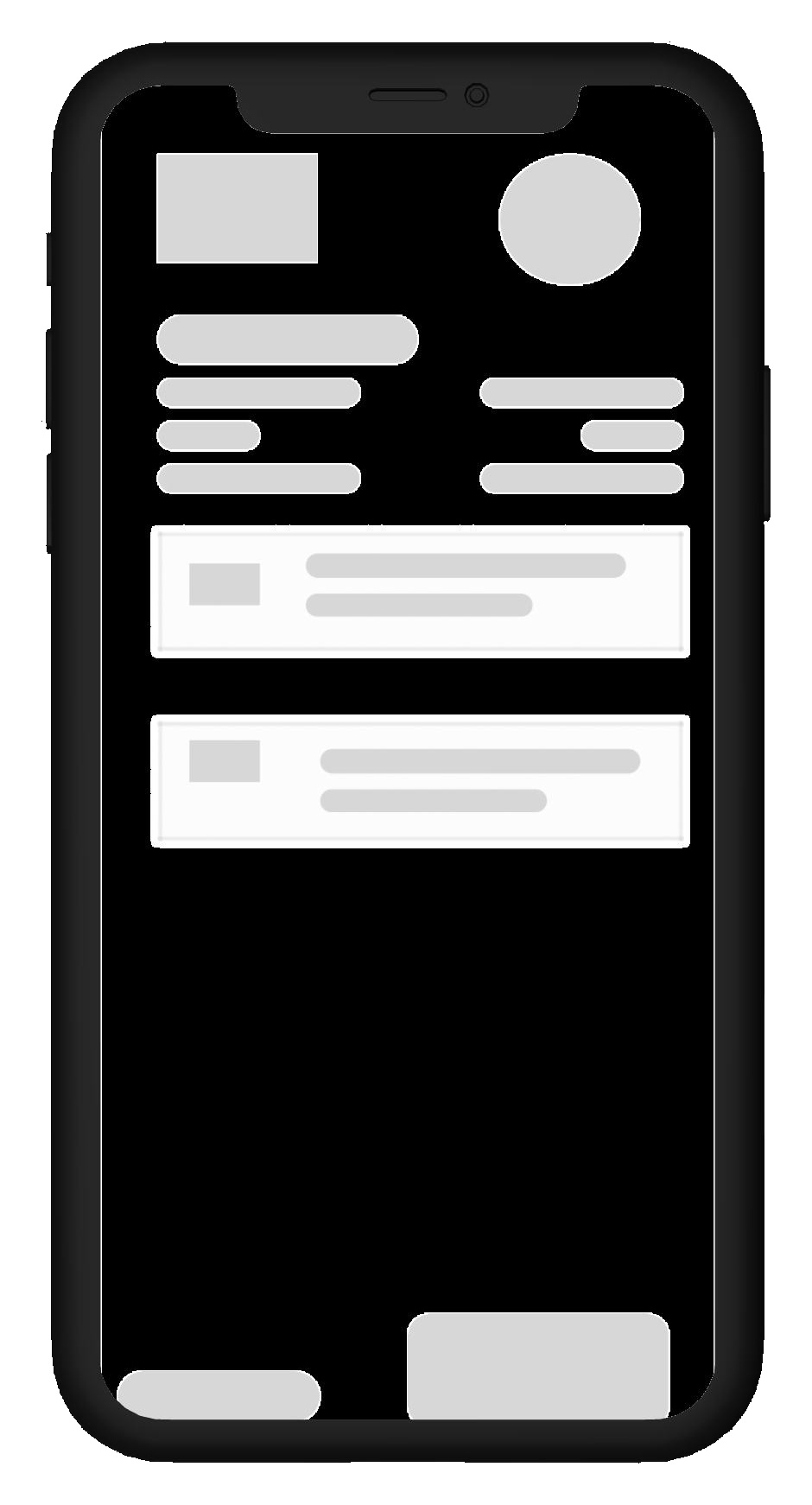
Product Detail - B
Steppers & bottom-pinned CTA
Mid Fidelity Wireframes
Refined grayscale UI mockups validating tap targets, button states, and the full path from browse to the primary action. Click any screen to view full screen.
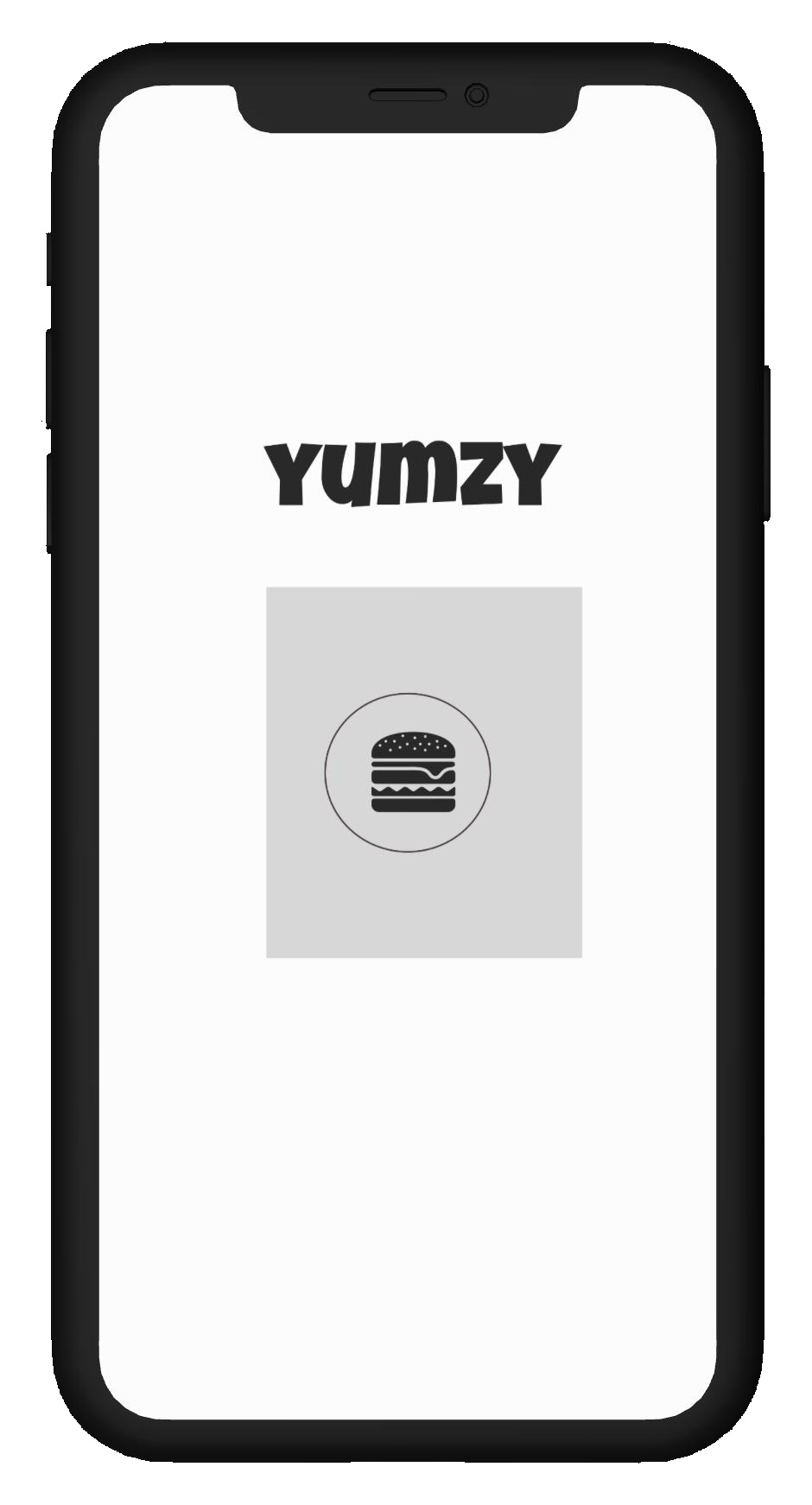
Splash
Typography & icon positioning
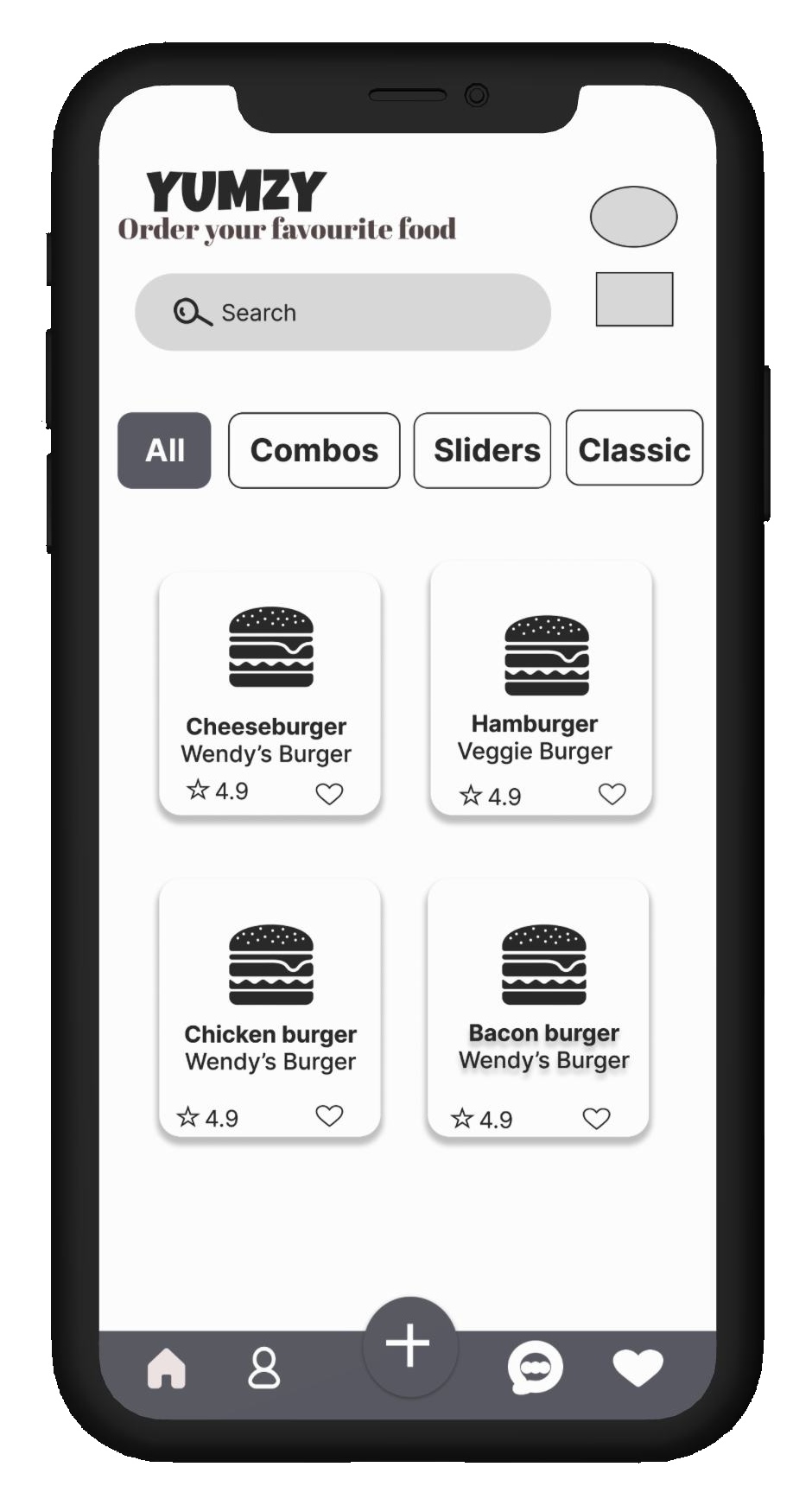
Home/Browse
Search, active filters & ratings
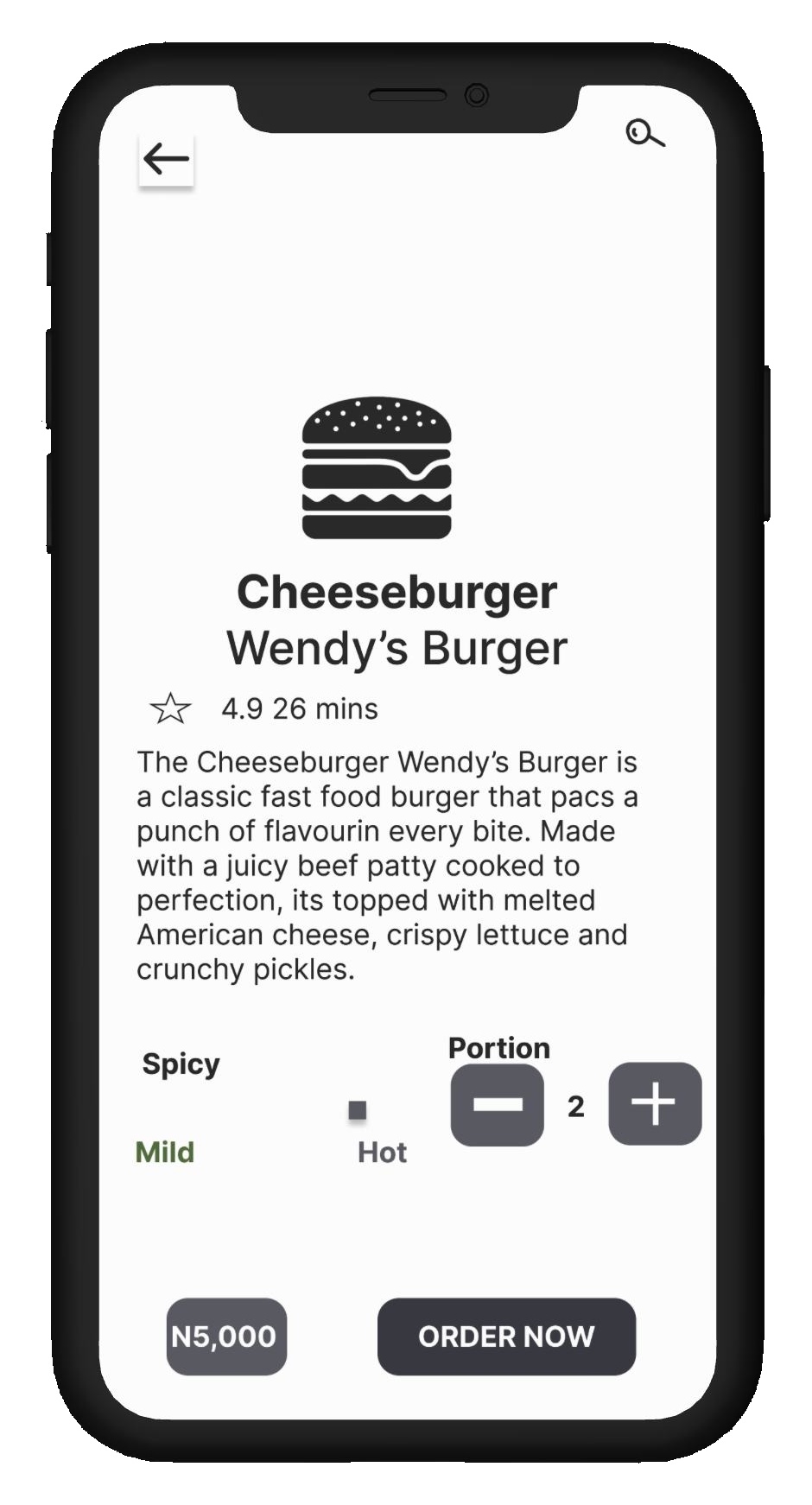
Product Detail
Spicy slider & quantity stepper
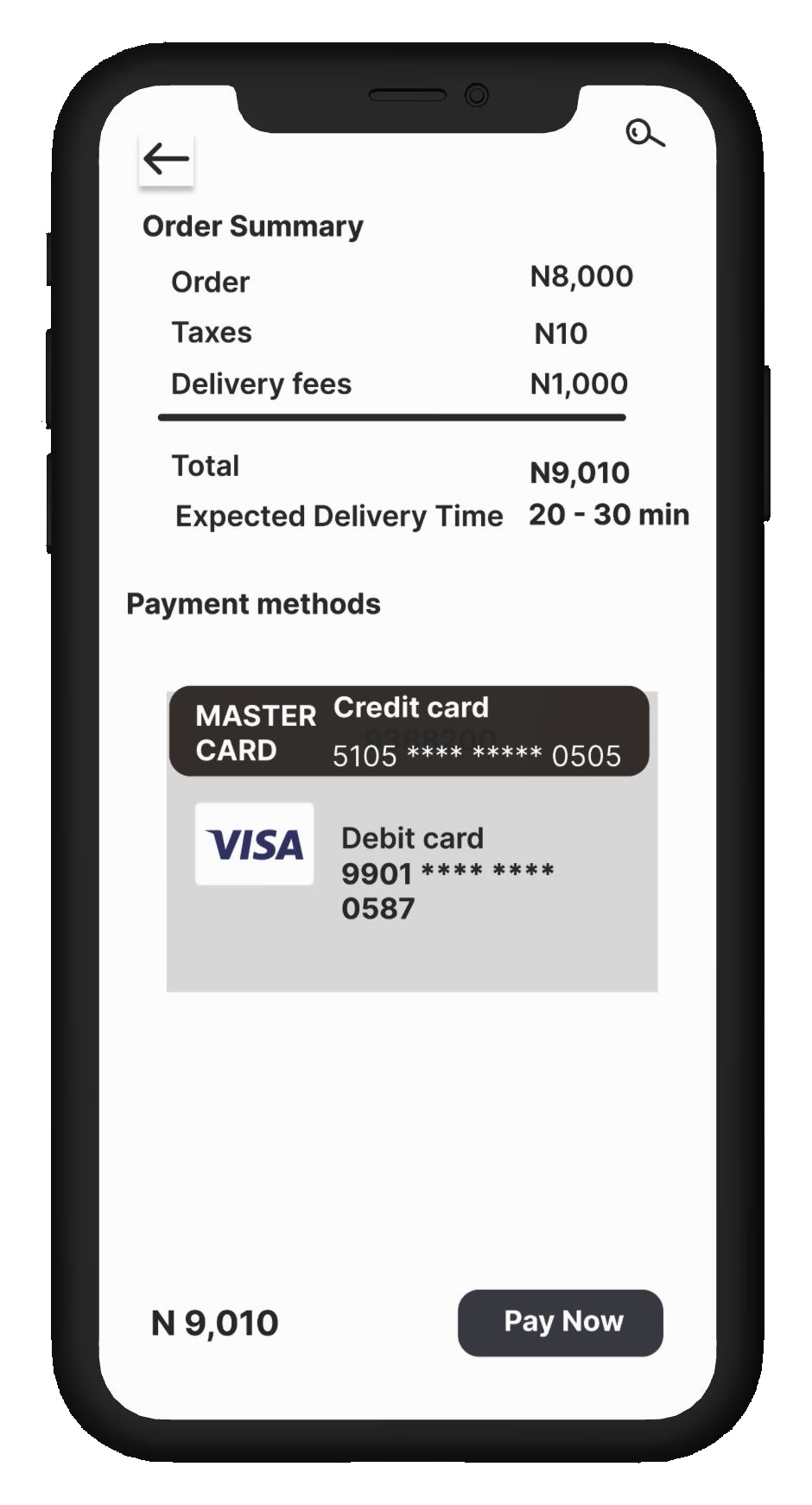
Order Summary & Payment
Itemized totals & saved cards
High Fidelity UI Breakdown
With the structure validated, the wireframes were translated into a high-fidelity interface with refined typography, brand palettes, and engaging touch interactions.
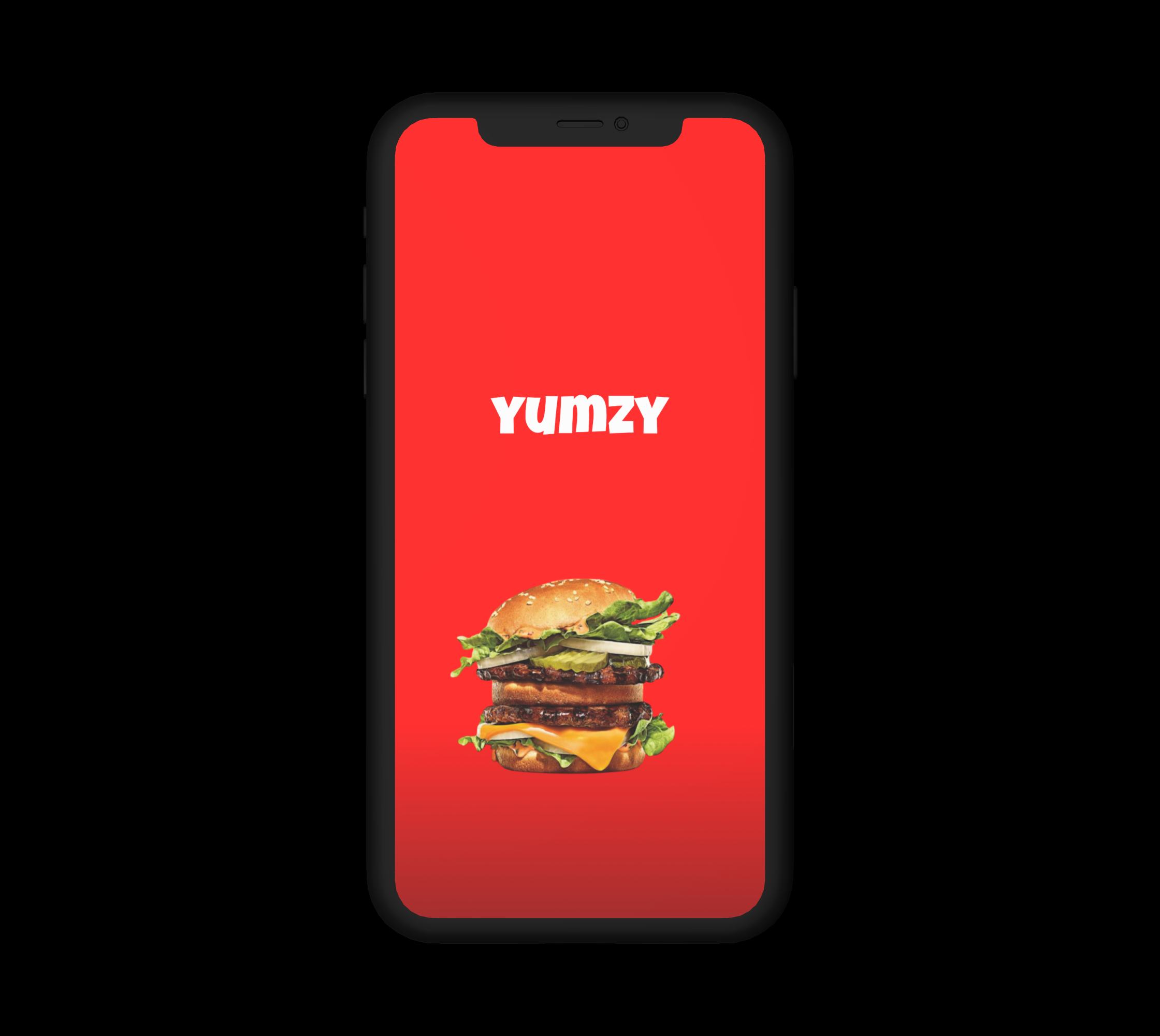
01 · Launch Moment
Splash Screen
The launch screen introduces the Yumzy wordmark over a full-bleed hero shot of a burger, setting an appetite-driven first impression before the user reaches the menu.
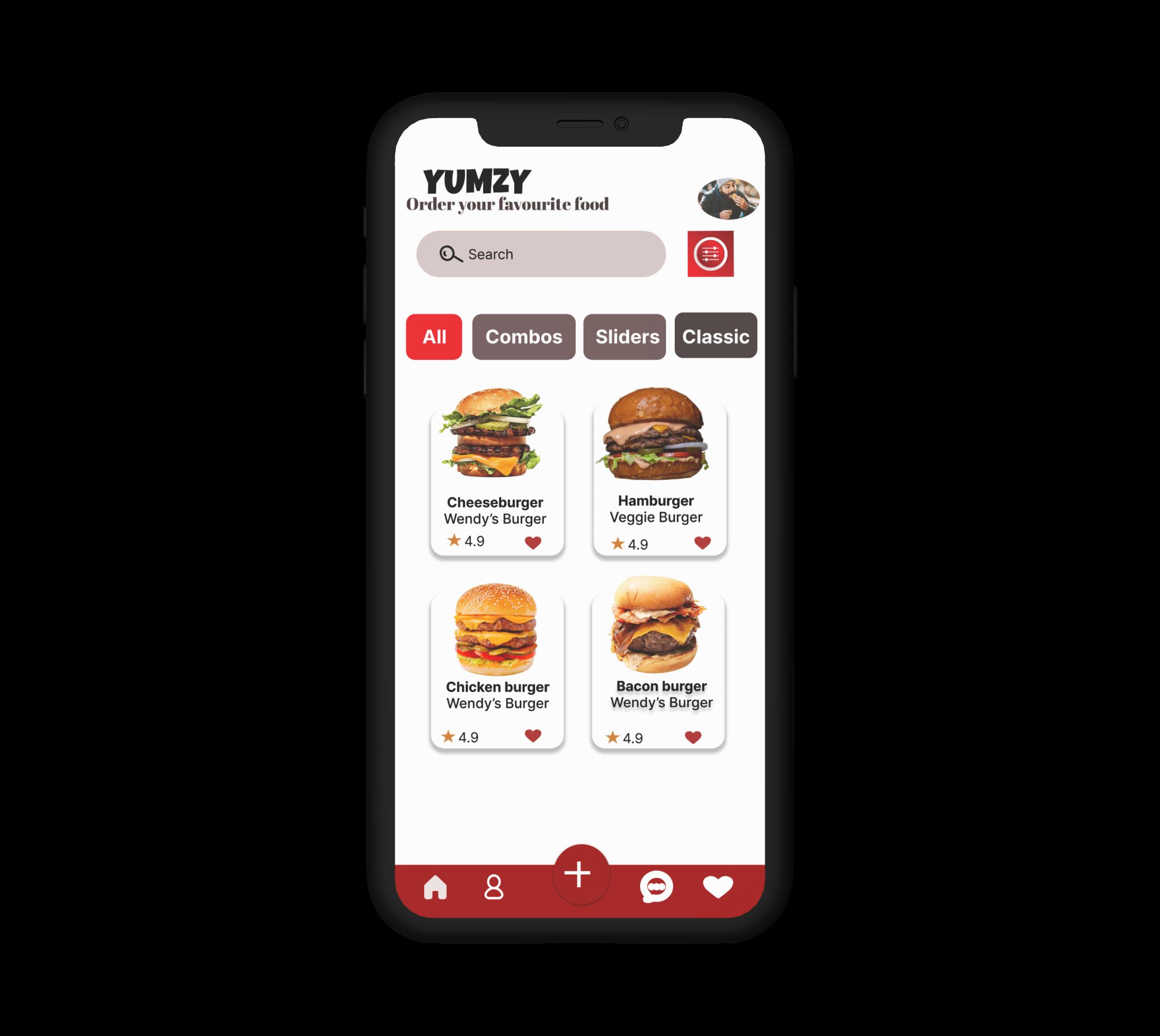
02 · Discovery & Browse
Browse / Menu Screen
The home screen leads with a search bar and four category filters (All, Combos, Sliders, Classic), followed by a two-column grid of dish cards. Each card shows a photo, name, restaurant, rating, and a favorite (heart) toggle, so users can compare options at a glance.
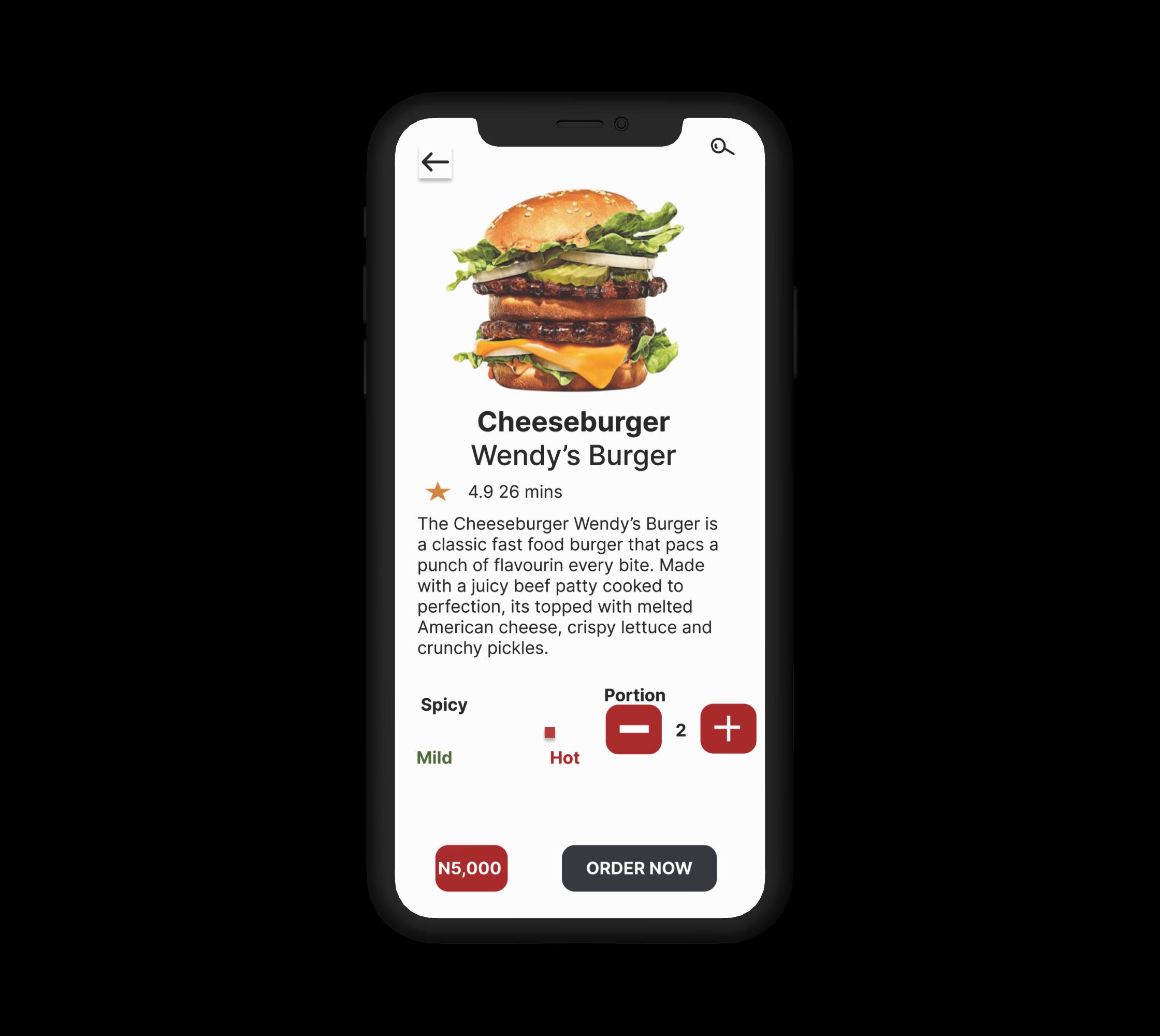
Cheeseburger
Wendy's Burger
Hamburger
Veggie Burger
03 · Customization Controls
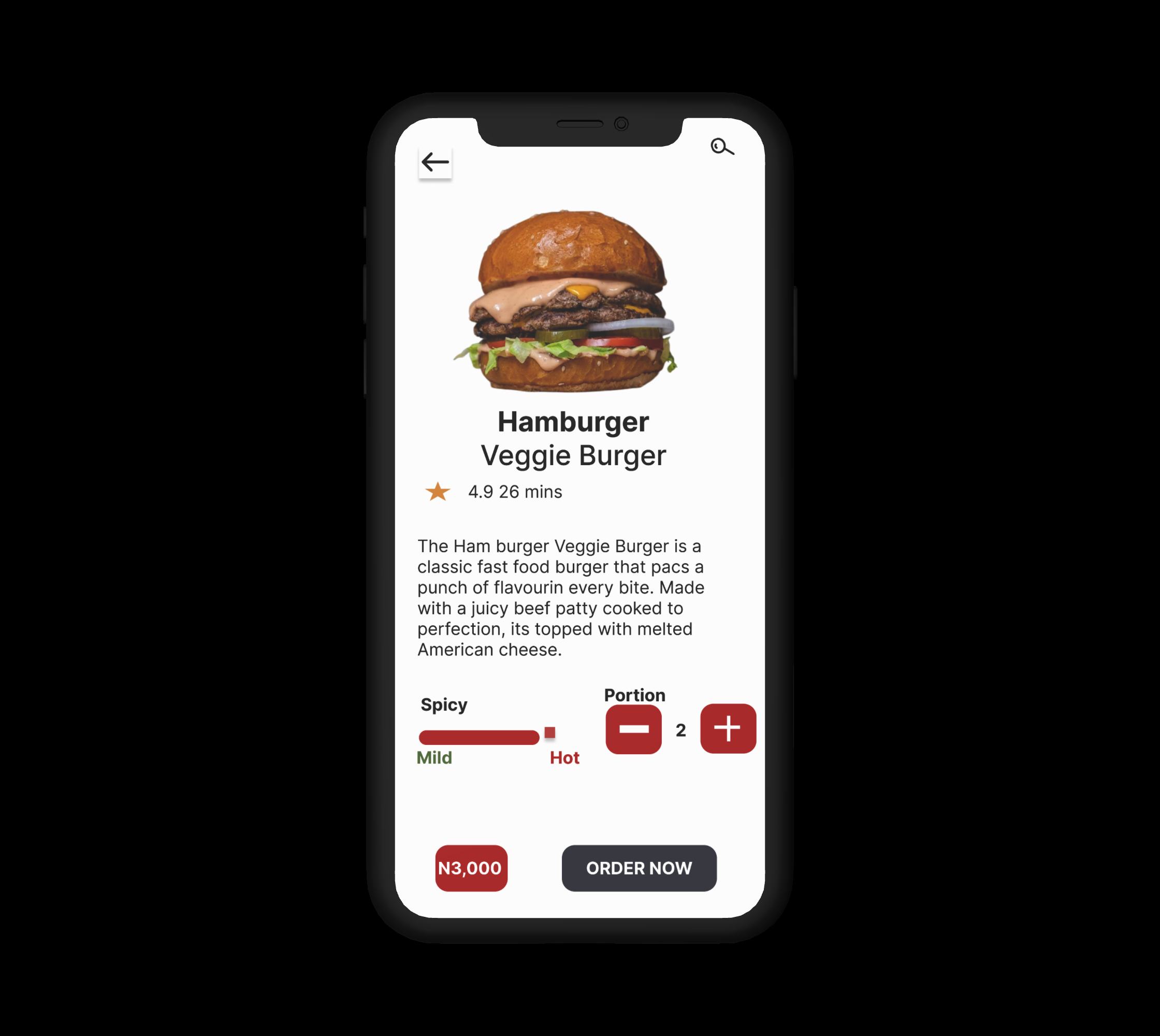
Product Detail — Customization
Tapping a dish opens a detail screen with a large hero photo, description, and two direct controls: a spicy-level slider (Mild → Hot) and a portion stepper. Price and the primary Order Now button are pinned to the bottom, always in reach.
04 · Transparent Checkout
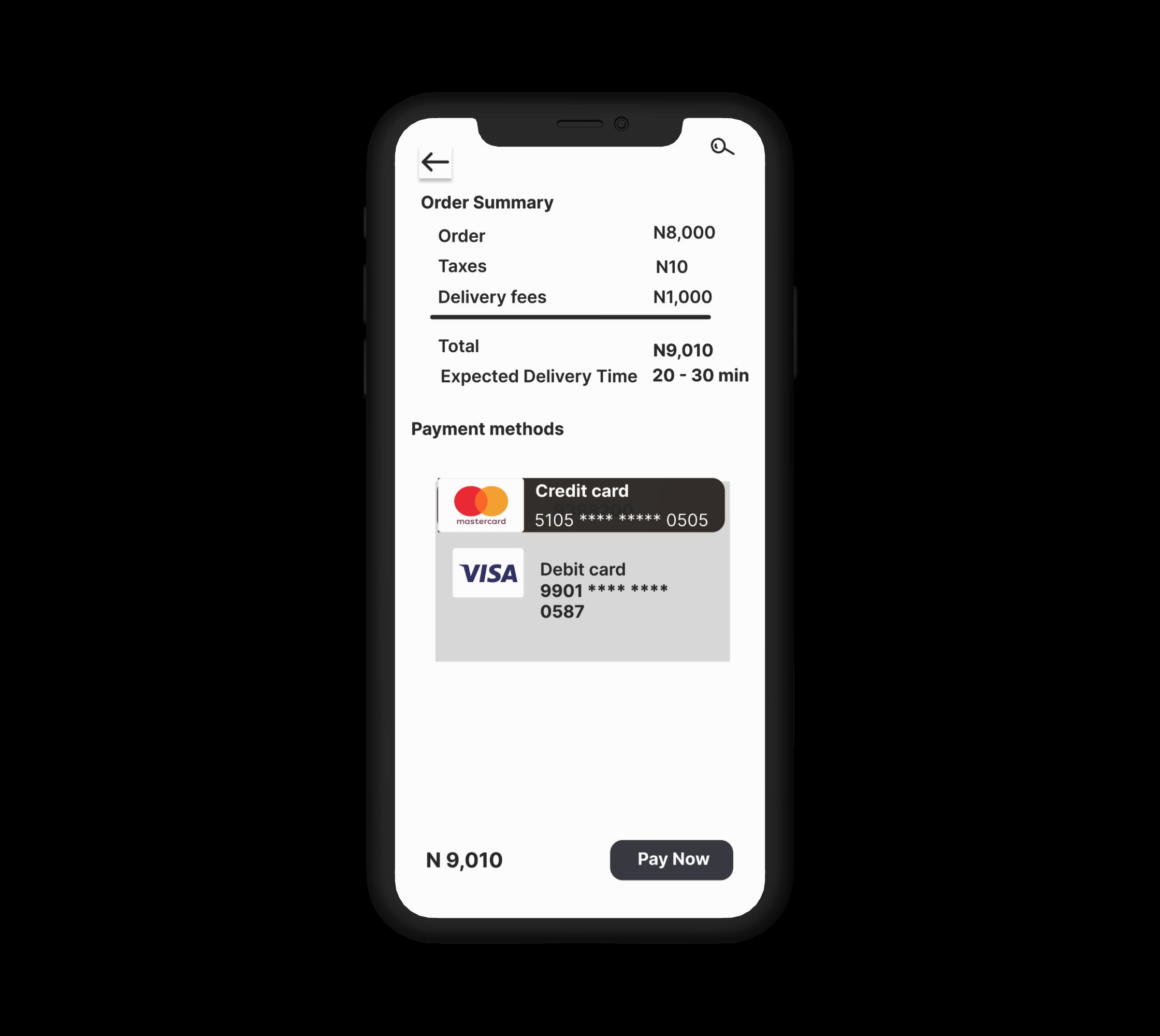
Order Summary & Payment
The final screen consolidates the order cost, taxes, delivery fee, total, and expected delivery time in one transparent view, with saved credit and debit cards displayed for a one-tap Pay Now.
Colour & TYPOGRAPHY
The system behind the screens
A tailored color system designed for clarity, emotional resonance, and high visual contrast.
Yumzy Red
#E52E2E
Single Brand & Action Color
Dark Neutral
#1C1F2A
Typography & Dominance
Clean White
#FFFFFF
Card Background & Contrast
Light Gray
#F4F5F7
Canvas & Soft Dividers
Interactive Video Walkthrough
A walkthrough recording showcasing the full product journey.
Reflection & Next Steps
Iterating from wireframes to high-fidelity interfaces and interactive code builds confirmed that the biggest usability win was removing post-match friction so intentional singles can plan and meet safely.
What I'd explore next
Outcome & Prototype
A clean, appetite-led interface where a first-time user can place an order in under a minute — and a full case exercise in UX thinking, not just visuals.